Older-series fixes
How a patch-only pin can receive a fix that an author released for an older series, which WordPress itself never offers. The switch is Find older-series fixes, under Tools → Version Pin → Pins, in the WordPress.org release lookup section. It is off by default.
Why WordPress misses them
WordPress only ever offers a plugin's newest release. Some authors also release fixes for older series, often for security problems, but WordPress does not offer those.
An example: you pin a plugin at 5.3.5 with Patch releases on. The newest release is 5.7.2, so WordPress offers 5.7.2, and the pin hides it, as it should. Meanwhile the author has also released 5.3.7, a security fix for the 5.3 series. Your pin would allow 5.3.7, but WordPress never offers it, so you would never hear about it.
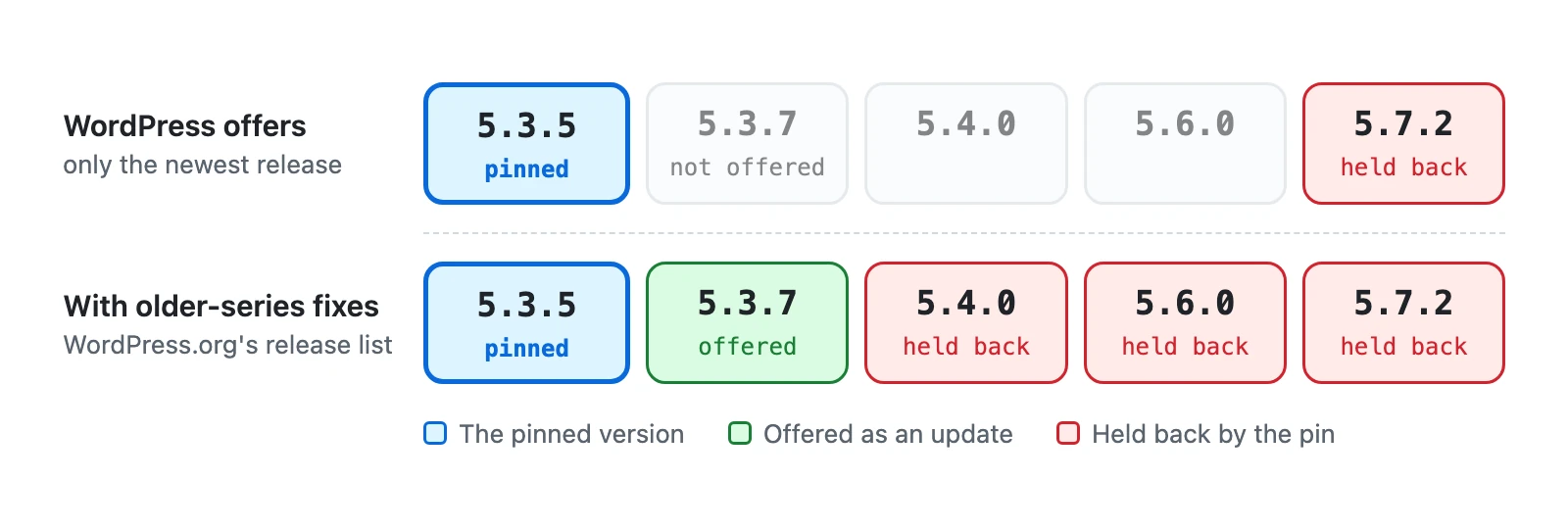
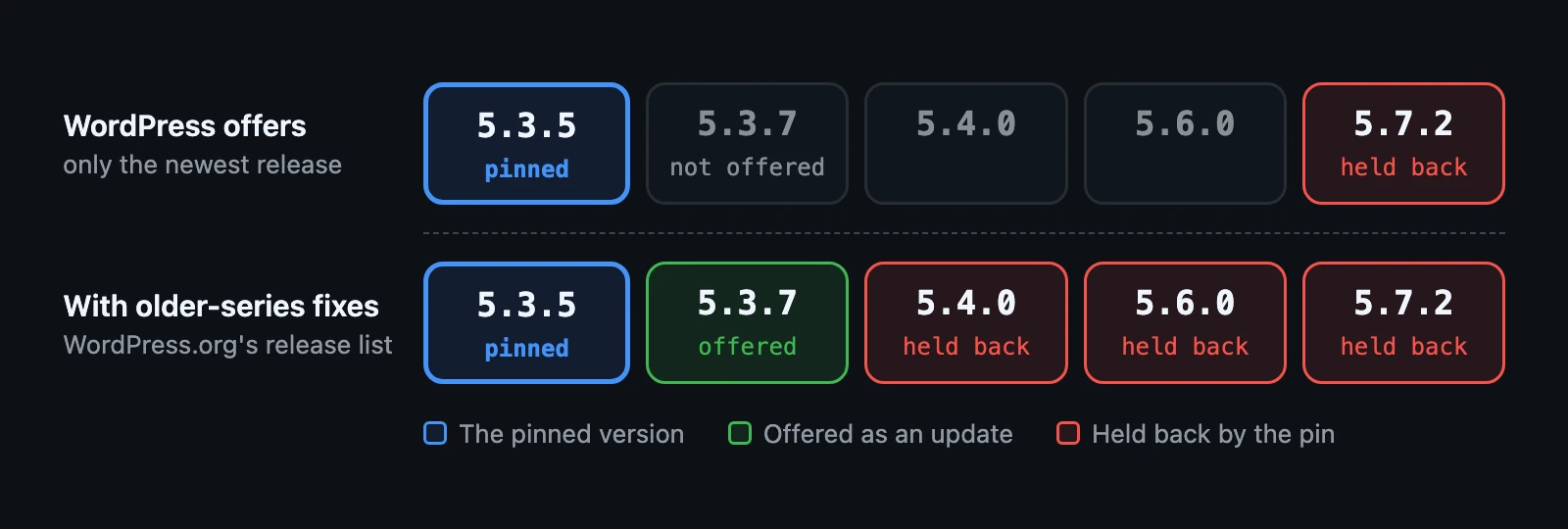
What the switch changes
With Find older-series fixes on, Version Pin asks WordPress.org for the full list of releases of each patch-pinned plugin hosted there. When WordPress offers a release the pin holds back, and the list holds a newer release in your pinned series, that release is offered instead, as a normal update. You install it the way you install any update, and automatic updates install it if they are on for the plugin.
- Only patch-only pins use it. An exact pin allows nothing newer, so there is nothing to look for.
- Only plugins hosted on WordPress.org, and only files from downloads.wordpress.org.
- Only final releases: never a beta or release candidate.
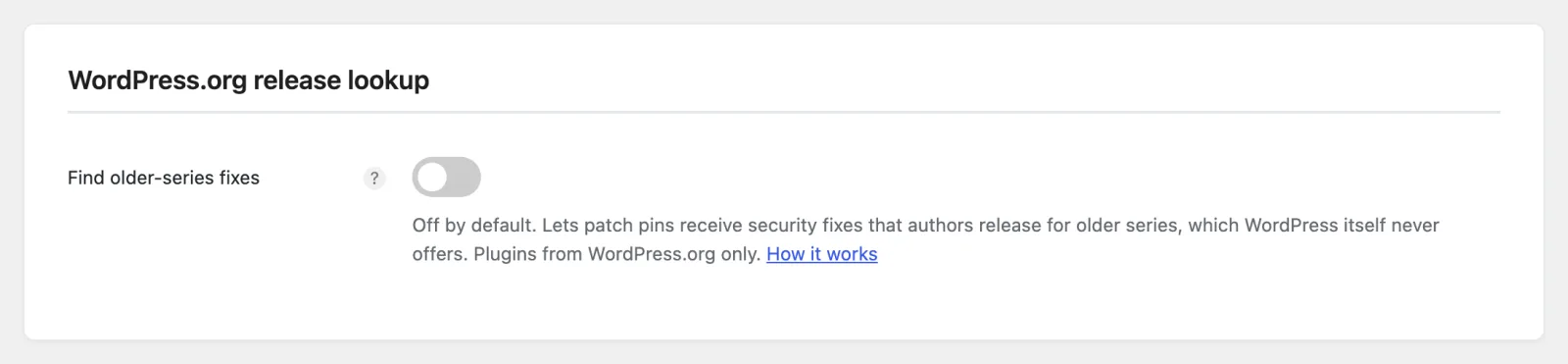
The switch itself is described on Settings.
What is sent, and when
- What: the plugin's WordPress.org name (its slug, for example
akismet), one request per patch-pinned plugin. Like every WordPress update check, the request also carries your WordPress version and your site's address. Nothing else is sent. - When: with WordPress's own update check, about twice a day, and when you save a change to your pins. A plugin's list is reused for 12 hours. Never while a page is being shown to a visitor or to you.
- To whom: WordPress.org, the same service WordPress asks for updates. Its privacy policy is at https://wordpress.org/about/privacy/.
Switching it off stops the requests and deletes the stored lists.
Reading the results
With the switch on, the Pins table shows one more line under each patch-pinned plugin from WordPress.org:
| Line | Meaning |
|---|---|
| "Newest allowed release: 5.3.7." | A newer release in your series exists, and is offered as an update. |
| "No newer release in 5.3.x on WordPress.org." | The list was fetched; the author has released nothing newer in your series. |
| "Release list not fetched yet. It is fetched with the next update check." | The switch was just turned on, or WordPress.org could not be reached. Saving a change to your pins fetches it straight away. |
Premium plugins
Plugins that are not hosted on WordPress.org are updated by their vendor's own updater, and Version Pin cannot ask for their release lists. A patch-only pin still works for them, but only with what the vendor's updater offers. The Pins table says so under the plugin's name: "Installed 5.3.7. Allows 5.3.x when its vendor offers it."
When nothing arrives
Many authors publish no fixes for older series. Then the switch changes nothing, and the line says "No newer release in 5.3.x on WordPress.org." If you need a fix that is only in a newer series, raise or remove the pin: see Allow an update.
Next step
The Pins tab: what each part of the screen shows, and what to do about it.